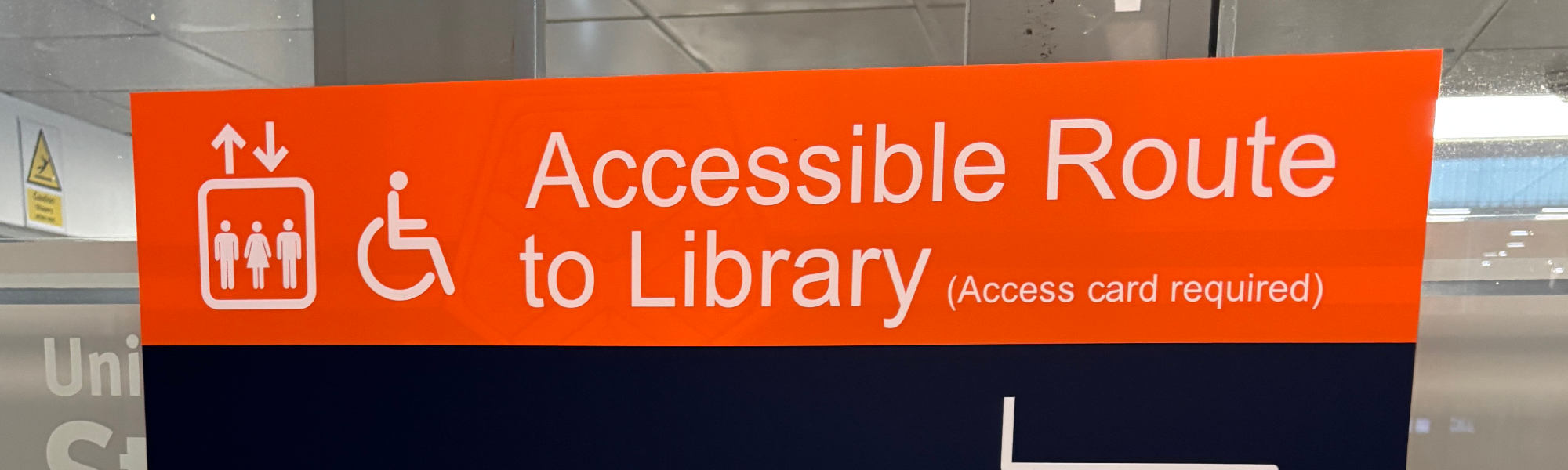
Accessible route to the Library
The Andersonian Library is located within the Curran Building. If you are unable to use, or would prefer to avoid, the stairs at the main Library entrance, a step-free route is available.
Using the accessible route
To enter the Library without using the stairs:
- Enter the Curran Building through the main entrance.
- Follow the orange Accessible Route signs.
- Turn right immediately after entering the building and go through the door to the lift.
- Take the lift to Level 3.
- Turn left when you leave the lift and press the push-pad to open the door.
- Use your activated student card on the access control pad.
- The door will open, allowing you to enter the Library via the Level 3 annexe.
- Follow the signs to the Welcome Desk.
Access requirements
To use the accessible route, you will need a physical student card activated for Library access. If you require access, please contact the University's Disability and Wellbeing service for assistance.
Additional support
Library staff can provide individual inductions that include information about accessible routes, study spaces and assistive technology facilities. If you would like support before your visit, please contact us.